Wondering how improving a process actually works in practice? The BPM lifecycle is a repeating loop of design, modeling, execution, monitoring and optimization, so improvement never stops.
| Item | Value |
|---|---|
| Typical lifecycle stages | Design, modeling, execution, monitoring, optimization |
| Design stage purpose | Identify current processes and plan improvements aligned with business goals |
| Modeling stage purpose | Map and test workflows under different scenarios |
| Monitoring KPIs | Cycle time, error rates, throughput, customer satisfaction |
| Optimization focus | Continuous improvement toward better outcomes |
These figures come from Kissflow’s BPM lifecycle guide, updated 15 Oct 2026. Vendors label the phases differently and guidance changes, so check the source before you rely on them.
What the BPM lifecycle is
The lifecycle is a structured way to run business process management as a cycle instead of a project that ends. Kissflow describes it as the stages involved in managing and improving business processes, typically process design, modeling, execution, monitoring, and optimization.
Names vary between vendors and textbooks. Some merge design and modeling, others add a separate continuous-improvement step, but the logic is the same: plan, run, measure, improve.
Think of it as a way to stop arguing about opinions. Each phase produces something concrete that the next phase can use: a documented process, a tested model, a live workflow, a set of measurements, and a list of changes.
The five phases, one by one
Design
Design lays the groundwork by identifying current processes and planning improvements that align with business goals. Without this step, teams tend to automate whatever is already happening, including its flaws.
Useful questions to ask at this point:
- What goals must the process achieve?
- Who should take part in designing it?
- Where does work currently stall, repeat or get handed back?
- Which outcomes will tell you the redesign worked?
Capturing the current state is easier with business process mapping, which gives everyone the same picture of how work flows today.
Modeling
Modeling builds on design by mapping and testing workflows under different scenarios. The payoff is that it lets teams detect bottlenecks early and adjust before moving to the next phase.
In practice you describe each step, who does it, what comes in and what goes out, then walk through normal cases and awkward exceptions. Formal notations, including those grounded in a petri nets workflow view, make such tests more precise because they define exactly when a step may start.
A model is cheap to change. A live process with real customers waiting is not, which is why this phase sits before execution.
Execution
Execution brings the planned workflows to life. This stage involves assigning tasks, deploying processes, and monitoring initial performance to ensure smooth operations.
Execution can be manual, software-driven or a mix. Adoption decides success here: people need clear instructions, training and a place to raise problems, otherwise they will quietly work around the new design.
Monitoring
Monitoring tracks the performance of workflows in real time, helping businesses detect inefficiencies and gather insights for improvement. Typical measures to track:
- Cycle time
- Error rates
- Throughput
- Customer satisfaction
Agree on these measures before launch. If you pick metrics afterwards, you risk choosing the ones that flatter the result.
Optimization
Optimization focuses on improving processes continuously to achieve better outcomes. It uses what monitoring revealed, and the changes then feed back into design.
Efforts can be tailored to departments, such as streamlining procurement approvals or automating invoice tracking in finance. Typical changes include removing a redundant approval, merging duplicate data entry or clarifying who owns a handoff.
Why it works as a loop
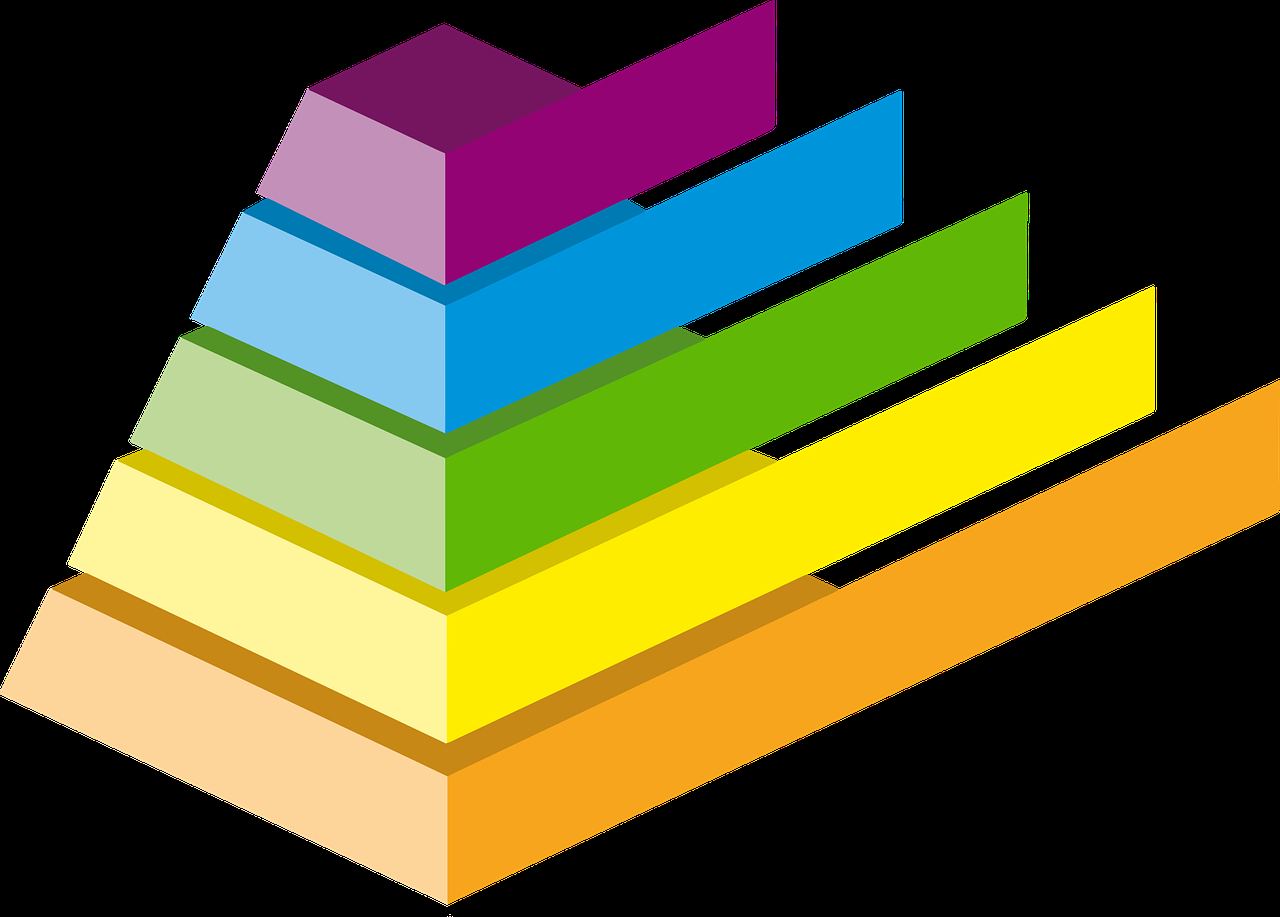
Monitoring data guides teams toward necessary adjustments and prepares them for the optimization phase. If you stop after execution, you lose that feedback and the process slowly drifts from how work really happens.
Business conditions also move. New regulations, products, staff and software all change what a good process looks like, so yesterday’s optimized workflow becomes tomorrow’s design input.
Treat each pass as small and measurable. Pick a bottleneck, change it, watch the same KPIs, and repeat.
Common mistakes to avoid
Most lifecycle problems come from skipping or rushing a phase rather than from the model itself.
- Skipping modeling: going straight from design to launch means bottlenecks show up in front of customers.
- Treating execution as the finish line: without monitoring there is nothing to improve against.
- Measuring too much: a handful of KPIs that people actually read beat a dashboard nobody opens.
- Leaving people out: those who do the work often know where it breaks, so involve them in design and review.
- Optimizing without a baseline: if you did not record the starting figures, you cannot show improvement.
Putting the lifecycle to work
You do not need special software to start. A small team can run a full loop on a single process using a diagram, a shared document and a few weekly measurements.
- Choose a process that causes visible pain, such as slow approvals or frequent rework.
- Map how it runs today and agree on the goal.
- Sketch the improved version and test it against normal and exceptional cases.
- Roll it out with clear task ownership and support for the people involved.
- Track the agreed KPIs and review them on a fixed schedule.
- Make the next adjustment, then return to the start.
Once the habit is in place, tooling such as workflow engines can take over the execution and monitoring steps. The discipline of the loop matters more than the product you choose.
Who owns each phase
A lifecycle only works when someone is accountable for every step. Small teams often have a single person covering several phases, but the responsibilities still differ.
- Design: a process owner with input from the people who do the work and from the stakeholders who depend on the result.
- Modeling: an analyst or team member comfortable with diagrams, who checks the model against real cases.
- Execution: line managers and staff, supported by whatever systems carry the work.
- Monitoring: whoever can read the data and report it plainly, ideally on a regular schedule.
- Optimization: the process owner again, deciding which changes are worth making and in what order.
Naming these roles early avoids the common situation where everyone assumes somebody else is watching the numbers.
How to read different lifecycle labels
If you compare guides you will meet other names for the same loop. Some call the first phase discovery or analysis, some call execution implementation or automation, and some add continuous improvement as a final step.
Do not worry about matching the vocabulary exactly. Ask three questions of any version you read: does it start by understanding the current process, does it test changes before release, and does it feed measurements back into the next round? If the answer is yes, it is the same lifecycle under a different label.
That also means you can adapt the loop to your own organization. A five-person team might combine design and modeling in a single workshop, while a large company might separate them across departments with formal sign-off.
Frequently asked questions
How many phases does the BPM lifecycle have?
Most guides list five: design, modeling, execution, monitoring and optimization, though labels differ by source.
Is the BPM lifecycle a single project?
No. It is a cycle, and optimization leads back into design.
Which KPIs should I monitor?
Kissflow suggests cycle time, error rates, throughput, and customer satisfaction.
Why model before executing?
Modeling lets teams detect bottlenecks early and adjust before the process goes live.