
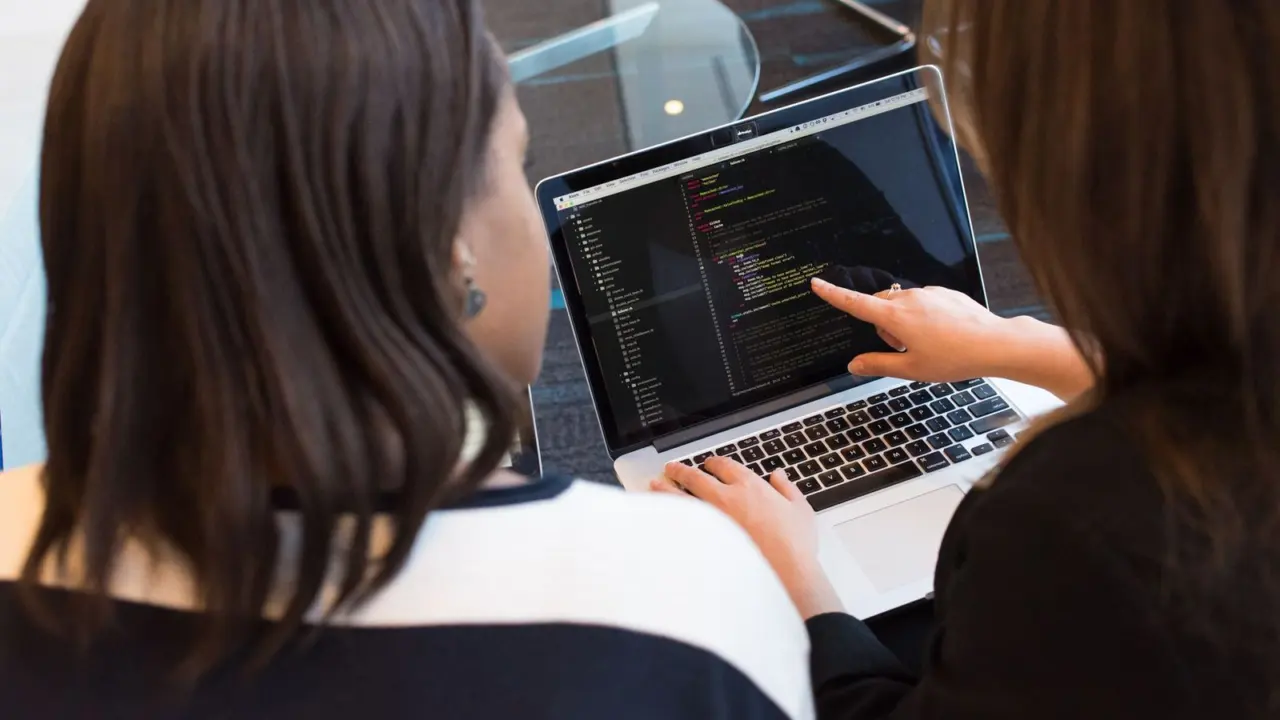
Wondering what open source software really means, and whether it suits you? It is software whose source code you may use, study, change and share under a licence that grants those rights.
| Item | Value |
|---|---|
| Essential freedoms in the free software definition | Four (numbered freedom 0 to freedom 3) |
| Freedom 0 | Run the program as you wish, for any purpose |
| Source code form required | The preferred form in which a programmer would modify the program |
| Derived works | The licence must allow modifications and derived works |
| Commercial use | Must be allowed; free software does not mean noncommercial |
These points come from the Open Source Initiative’s definition (page last modified February 16, 2024) and the GNU Project’s free software definition. Definitions get revised, so check the sources before you rely on them.
What open source software actually is
At its simplest, source code is the human-readable set of instructions a programmer writes. Most programs you run are compiled into a form that computers can execute but people can barely read. Open source software ships with, or makes available, that readable form.
Access alone is not the whole story. The Open Source Initiative puts it directly: “Open source doesn’t just mean access to the source code.” What counts is the licence attached to the code, because the licence says what you may legally do with it.
In practice, that means you can usually do four things:
- Run the software for whatever purpose you have.
- Read the code to see how it works.
- Change it to fit your needs.
- Share copies, original or modified, with others.
Open source is a licensing and development approach, not a type of tool. You will find it in operating systems, databases, web servers, office suites and the engines that run business processes. If your interest is in the last of those, see our overview of open source workflow engines.
Two definitions you will meet: free software and open source
Two overlapping traditions define the field. The Free Software Foundation, through the GNU Project, speaks of free software. The Open Source Initiative publishes the Open Source Definition. They emphasise different values, but most licences qualify under both.
The four freedoms
The GNU Project says a program is free software if its users have four essential freedoms:
- The freedom to run the program as you wish, for any purpose (freedom 0).
- The freedom to study how the program works, and change it so it does your computing as you wish (freedom 1).
- The freedom to redistribute copies so you can help others (freedom 2).
- The freedom to distribute copies of your modified versions to others (freedom 3).
“Free” here is about liberty, not price. The same page states that “‘Free software’ does not mean ‘noncommercial.’” A free program must be available for commercial use, development and distribution, so selling it is not forbidden.
The Open Source Definition
The Open Source Initiative’s definition is a checklist a licence must satisfy. Several of its criteria matter most to ordinary users:
- Free redistribution: the licence cannot stop anyone selling or giving away the software as part of a larger distribution.
- Source code: the program must include source code and allow distribution in source and compiled form.
- Derived works: the licence must allow modifications and derived works, distributed under the same terms as the original.
- Integrity of the author’s code: a licence may require changes to travel as patch files, so the original stays identifiable.
The source code rule has teeth. It must be the preferred form in which a programmer would modify the program, and deliberately obfuscated source code is not allowed. A pile of scrambled code does not qualify.

Why licences decide everything
Code with no licence is, by default, not yours to copy or change, even if it is posted publicly. A licence is the document that turns visible code into open source. Reading it before you adopt any package is the single most useful habit you can build.
Licences fall broadly into two families. Permissive licences place few conditions on what you do with the code, often asking only that you keep a copyright notice. Copyleft licences require that distributed modified versions stay open under the same kind of terms.
That difference shapes real decisions, such as whether you can build a closed product on top of a component. A full walk-through sits in our guide to open source software licenses. For a head-to-head on the two best-known styles, read the comparison of gpl vs mit license.
Some permissive licences add an explicit patent grant, which matters to companies worried about legal exposure. That is covered in apache 2.0 license explained.
Practical licence habits
Licence questions become real at specific moments: when you add a library to a product, when you share modified code, and when a customer asks what is inside your software. Handling them early is far cheaper than untangling them later.
- Record the licence of every component when you add it.
- Keep the copyright notices and licence texts that the terms require.
- Check whether a component’s licence is compatible with the others you use.
- Ask a qualified lawyer when a commercial product or a dispute is involved.
This site is educational and cannot give legal advice. The summaries here help you ask better questions, but the licence text itself is what counts.
What a licence usually does not do
A licence rarely promises support, updates or fitness for purpose. Most open source licences state that the software comes as is. If you need guaranteed help, you will have to arrange it separately, through a community, a vendor or your own staff.
How open source compares with proprietary software
Proprietary software keeps its source code private and limits what you may do through its terms. You usually receive the right to use it, not to inspect or alter it. Open source flips that default.
Neither is automatically better. The honest comparison looks at the following points:
- Control: open source lets you inspect and modify; proprietary software leaves that to the vendor.
- Cost structure: open source often has no licence fee, but you may pay for hosting, integration, training and support.
- Support: proprietary vendors typically bundle it; open source support may come from communities or paid providers.
- Lock-in: readable code and open formats can make leaving easier.
- Responsibility: with open source you often own more of the maintenance and security upkeep.
A deeper treatment lives in open source vs proprietary software. Note that “free of charge” and “free as in freedom” are separate ideas, and many open source products are sold commercially.
Situations where each approach tends to fit
Open source often suits teams that want to adapt a tool to an unusual process, avoid being tied to one supplier, or keep data on their own systems. It also suits learners, because reading real code is one of the best ways to understand how software behaves.
Proprietary products often suit organisations that want a single accountable vendor, a polished out-of-the-box experience and contractual service levels. Many organisations use both, choosing per tool rather than adopting a single rule.
A useful way to decide is to ask three plain questions:
- What happens if the supplier or the project stops developing this tool?
- Can we export our data and processes in a form another tool can read?
- Who will we call at two in the morning when it breaks?
The answers matter more than the label on the box. An open source tool with no maintainers and no exit plan is riskier than a well-supported commercial one, and the reverse can be true as well.
Total cost is more than the licence fee
Open source removes or reduces one cost line, the licence fee. Other costs remain. Someone must install, configure, secure, back up and upgrade the software, and someone must train the people who use it.
Budget honestly for these items. A fair comparison puts staff time, hosting, integration work and support contracts on both sides of the ledger. Sometimes open source still wins clearly. Sometimes the saving is smaller than expected, and the real gain is control rather than money.
Open source in workflow and process work
This site focuses on how organisations organise repeatable work. Open source is common here because process tools benefit from transparency: you can see how a rule is evaluated or how a task is routed.
Two areas are worth knowing. The first is workflow automation, which moves tasks, data and approvals between people and systems without manual hand-offs. The second is business process management, the discipline of modelling, running and improving processes over time.
If you want to compare products in that second area, our list of open source bpm tools is the place to start. If you prefer to keep data on your own servers, look at self-hosted workflow automation.
Process tools also show why openness helps. A workflow model is a description of how your organisation works. If the engine that runs it is open, you can read how it interprets that description, move it between environments, and avoid a situation where your own procedures are locked inside a vendor’s format.
Typical uses include approval chains, onboarding steps, order handling, document routing and case management. In each, people, data and rules interact, and being able to inspect and adapt the engine makes it easier to match the tool to the real process instead of bending the process to the tool.
Look at standards too. Tools that support widely used modelling notations make it easier to share diagrams, train staff and switch products later. Open source and open standards work well together, but one does not guarantee the other, so check both.
Choosing open source software sensibly
Popularity is a poor guide on its own. A short, repeatable check protects you from most bad surprises. A fuller method is in how to choose open source software. The core steps are listed below.
- Define the need. Write down what the software must do before you look at any project.
- Read the licence. Confirm it permits your intended use, including commercial use and redistribution.
- Check project health. Look for recent releases, active issue handling and more than one maintainer.
- Review documentation. Clear installation and upgrade notes save hours later.
- Plan for support. Decide who will fix problems, and how quickly.
- Test small. Run a pilot with real data before committing.
Security deserves its own attention. Open code can be reviewed by anyone, but that only helps if someone actually reviews it and if you apply updates. Treat patching as a standing task, not a one-off.
Common mistakes beginners make
- Assuming “open source” means “no cost of any kind”.
- Copying code from a public repository without checking its licence.
- Mixing components with incompatible licences in one product.
- Adopting an abandoned project because it once looked popular.
- Ignoring who will run and maintain the software after launch.
How open source projects are run
Behind every project sits a governance model, even if nobody wrote it down. Some projects are led by a single founder who makes final calls. Others are run by a committee of maintainers, a foundation, or a company that employs most of the developers.
Governance affects you as a user. A project controlled by one company may move quickly and have clear roadmaps, but its direction follows that company’s interests. A community-governed project may move more slowly, yet it is harder for any one party to change its terms or abandon it.
When you evaluate a project, look for these signals:
- A public issue tracker where bugs and requests get real replies.
- A written contribution guide and a code of conduct.
- Release notes that explain what changed and why.
- A named group of maintainers rather than a single anonymous account.
- A clear statement of how security problems should be reported.
How people make money around open source
Because the code is open, the business case usually rests on something other than selling a locked copy. Several models are common, and knowing them helps you understand who is paying for the software you rely on.
- Support and services: a company sells help, training or custom work around a free product.
- Hosting: the code is open, but the provider charges to run it for you.
- Dual licensing: one version is open, and a separate commercial licence suits buyers who cannot accept the open terms.
- Open core: a free base product is paired with paid extras that stay closed.
- Sponsorship: companies and individuals fund maintainers directly because they depend on the code.
None of these is wrong, but each carries a trade-off. Open core, for example, can leave a feature you need behind a paywall. Hosting-only models can make you dependent on one provider unless you can still run the code yourself.
Security and trust in open code
A common belief is that open code is safe because many eyes can read it. The reality is more modest. Anyone can inspect the code, but nobody is obliged to, and flaws can sit unnoticed in rarely used parts.
What open code does give you is the ability to verify and to act. You can read the code yourself, hire someone to audit it, or fix a flaw without waiting for a vendor. That is a real advantage, provided you use it.
Practical habits go further than slogans. Keep a list of the open source components you use, subscribe to the project’s security announcements, and apply patches promptly. Remove components you no longer need, because every dependency is something you must keep an eye on.
A short glossary
- Repository: the place where a project’s code and its change history are stored.
- Fork: a copy of a project that continues on its own path, which the licence usually allows.
- Maintainer: a person who reviews contributions and decides what gets released.
- Dependency: another piece of software your software needs in order to run.
- Copyleft: a licence approach requiring shared changes to stay open on similar terms.
- Permissive licences place minimal conditions on reuse.
- Patch: a small change to code, often sent to a project for review.
Getting involved without writing code
Open source is not only for programmers. Projects need people who test releases, report bugs clearly, improve documentation, translate interfaces, answer questions and help newcomers. Many maintainers say good documentation is among the scarcest contributions.
If you do want to contribute code, start small. Read the project’s contribution guide, pick a minor issue, and follow the stated process. Because the licence governs your contribution too, check what terms apply before you submit.
Frequently asked questions
Is open source software always free of charge?
No. The GNU Project’s definition says free software does not mean noncommercial, and a free program must be available for commercial use. Many products are sold or supported for a fee while their code stays open.
Can I change open source software?
Generally yes. Both definitions treat the right to study and modify the code as central. Your licence may attach conditions, such as sharing your changes under the same terms, so read it first.
Is open source software safe to use?
It can be, but safety depends on the project, not the label. Look at how actively it is maintained, how quickly problems get fixed, and whether you will apply updates.
Can a business use open source software?
Yes, commercial use is expressly part of the free software definition. Businesses should still check licence terms on redistribution, and confirm who will provide support.
What is the difference between open source and free software?
They describe largely the same body of software through different values. The free software definition stresses user freedoms, while the Open Source Definition sets out criteria a licence must meet. Most well-known licences satisfy both.